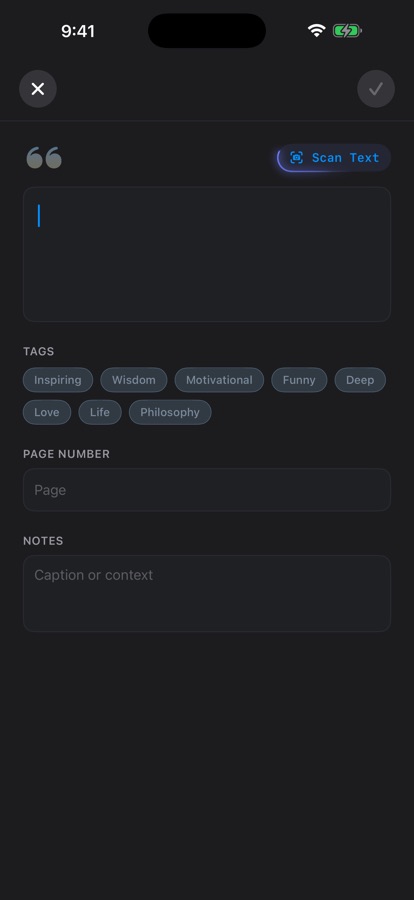
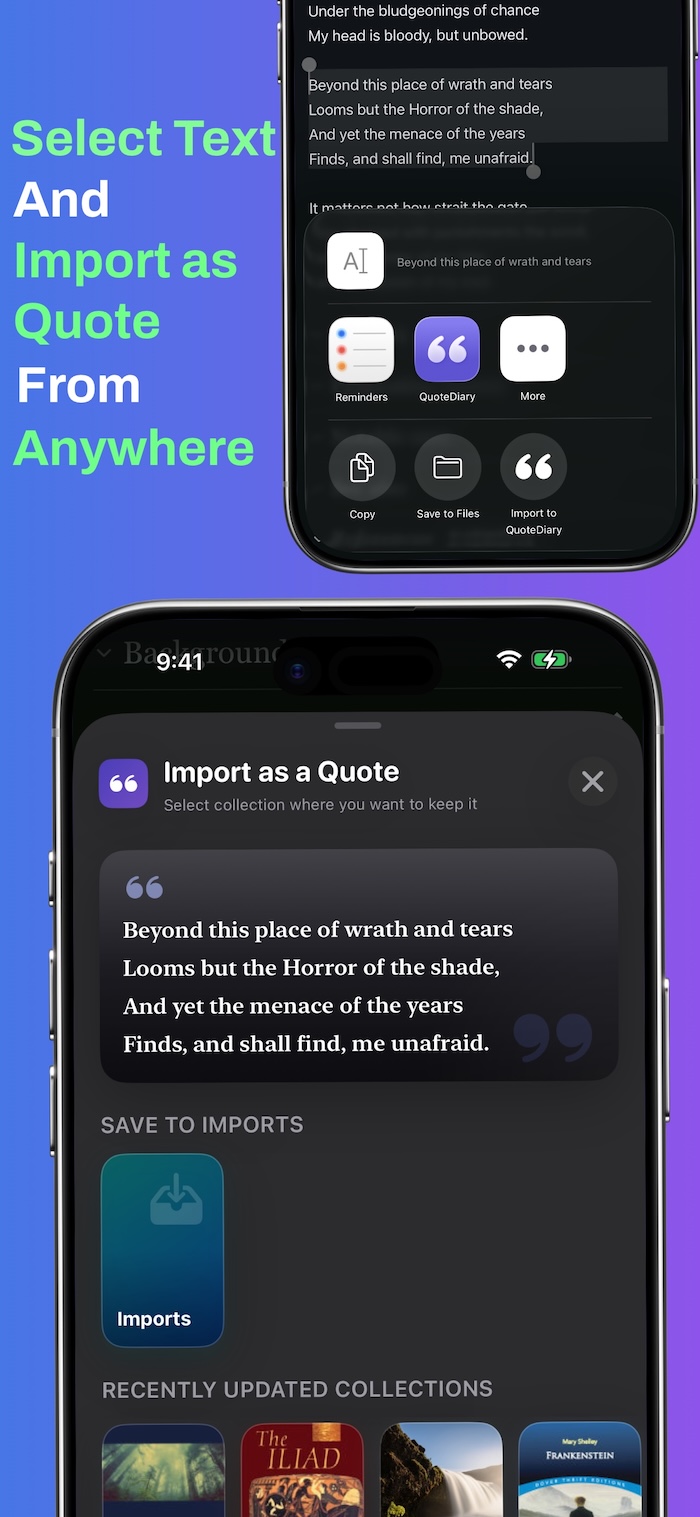
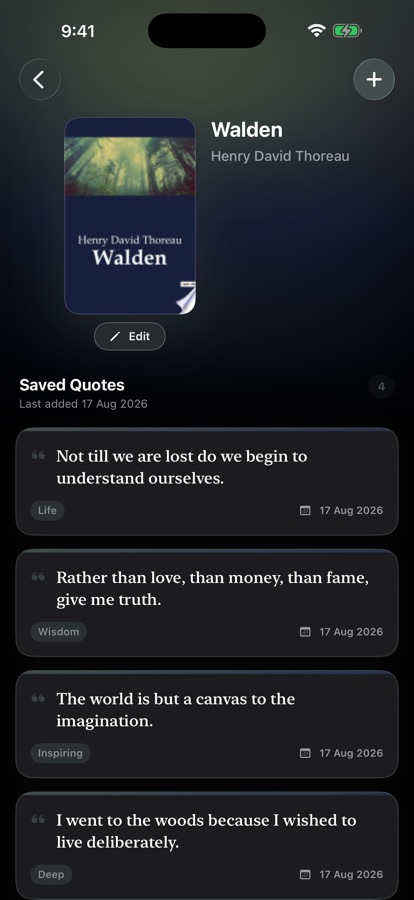
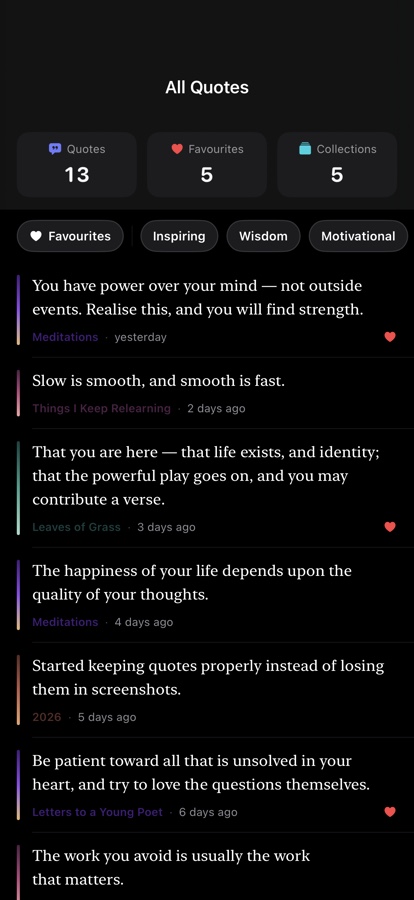
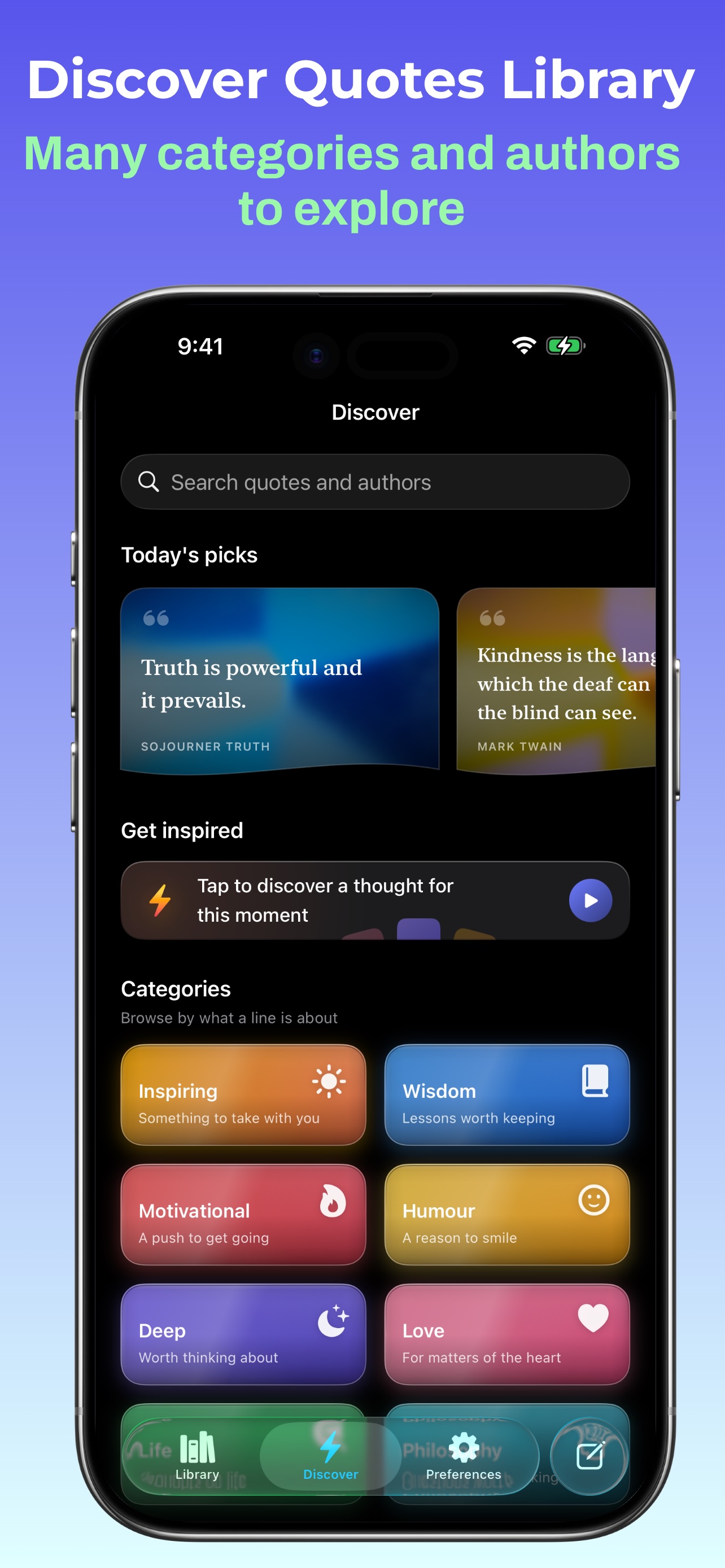
QuoteDiary is an app for saving the lines worth keeping — from books, essays, poetry, wherever. You scan a page or a barcode, the quote lands in a collection with its source attached, and it comes back to you later through search, a daily featured card, or a widget.
It’s free, has no account, and runs entirely on device apart from one book-metadata lookup.

 Scan to open on iPhone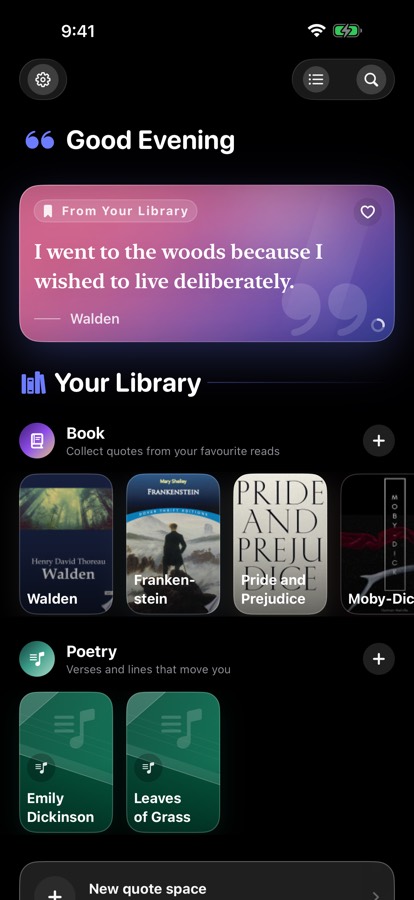
Stack#
- Swift 6 with structured concurrency
- SwiftUI throughout, with
Observationbased view models rather than ObservableObject - SwiftData for persistence, behind a versioned schema and an explicit migration plan
- CloudKit mirroring for sync, into the user’s own iCloud
- WidgetKit for widget on the Home and Lock Screen, configurable through App Intents
- VisionKit for live barcode scanning for ISBNs, image analysis for text on a page
- Metal compute shaders for the share-card backdrops
- Swift Testing for the unit suite
- MVVM with Clean Architecture & SOLID principles
Why SwiftData#
Core Data would have been the safer choice, especially for a larger or more complex model. For this app, SwiftData was a better fit for both the model size and the SwiftUI architecture.
The model is small and hierarchical — sections own collections, collections own quotes — so I didn’t need many of Core Data’s escape hatches for complex object graphs. SwiftData also fits naturally with SwiftUI’s reactive model. @Query provides direct access to persisted data from views, while SwiftData integrates model change tracking and persistence with SwiftUI’s observation and data-flow mechanisms. This removes much of the fetch, observation and save boilerplate that would otherwise sit between the model and the UI.
The setup is also considerably lighter. Defining models with @Model, querying them with @Query, and letting the framework handle change tracking makes the data layer easier to integrate with SwiftUI without introducing a separate observation layer.
CloudKit sync was another factor. SwiftData’s CloudKit mirroring is straightforward to enable compared with the additional Core Data container and synchronization setup. That made SwiftData a good fit for an app where the local model was relatively simple but sync was required from the start.
The trade-off is that SwiftData’s migration support is less mature than Core Data, along with stricter CloudKit schema requirements. I therefore versioned the schema from the first release rather than waiting until the first migration was needed.
For this app, the trade-off was worth it: less persistence boilerplate, tighter integration with SwiftUI, and simple CloudKit mirroring without needing the flexibility of a larger Core Data model.
Architecture#
The app uses MVVM with a Clean Architecture approach. MVVM fits naturally with SwiftUI: views remain focused on presentation, while presentation logic and view state live in the view models.
Domain-specific operations are kept in use cases rather than putting them directly into view models. For example, fetching book details from an ISBN is handled by a dedicated use case, keeping the workflow independent from the UI layer.
The network layer is also isolated behind protocols. The book lookup use case depends on an abstraction rather than a concrete provider, so the underlying service can be replaced with another provider or a mock without changing the use case. This follows the Open/Closed Principle in a practical way: the lookup flow is open to new implementations without modifying its core logic.
The network request service has its own component and responsibility, rather than being mixed into the use case or view model. This keeps the design aligned with the Single Responsibility Principle and makes each component easier to test.
Dependencies are injected into view models and use cases instead of being created internally. Besides keeping the dependency direction explicit, this makes unit tests simpler — a view model can be tested with mocked use cases or services without making real network requests.
The local quote store is implemented as a separate Swift Package. It contains the SwiftData models and persistence logic and is shared by the main app and widget without duplicating the implementation across targets. Keeping the store as a standalone module also prevents presentation-layer dependencies from leaking into the data layer.
The result is not strict adherence to every Clean Architecture rule, but a set of boundaries that keep UI, domain logic, networking, and persistence independently replaceable and testable.
SwiftData + CloudKit#
CloudKit mirroring has requirements for the schema:
- Attributes need default values.
- Relationships need to be optional, including to-many relationships.
- Unique constraints are not available with mirroring.
The optional relationship requirement is hidden behind computed properties. Storage uses optional relationships, while feature code gets non-optional collections. This keeps CloudKit-specific constraints out of the rest of the codebase.
The lack of unique constraints required extra handling for one collection that must exist only once. Two devices can both create that collection while offline because neither device knows the other has already created it. When they reconnect, CloudKit can sync both records, leaving two copies of what should be the same collection.
Simply taking the first matching record would hide the problem and could leave the user’s data split between the two copies. Instead, the app detects duplicate records when reading the collection and combines them into a single logical record. Because both devices apply the same rule, they end up using the same collection after sync rather than keeping separate copies.
Widget and the Shared Store#
The app and widget both show the same set of featured quotes for the day. Consistency is important here because the widget is meant to be a view of the app’s library.
Since the app and widget run as separate processes, the widget cannot directly use the app’s in-memory state. Both therefore access the same SwiftData store through an App Group, making the store the source of truth for the shared quote data.
The featured quote selection logic lives in the shared quote store package rather than being implemented separately in the app and widget. The selection is derived from the current calendar day and the quotes available in the store, so both processes use the same rules and arrive at the same result. This also avoids duplicating the selection logic across targets.
The widget uses the same shared data to build its timeline ahead of time, including the next day’s featured quotes. It therefore does not need to depend on a background refresh at midnight just to calculate what should be displayed.
This gives the app and widget a simple boundary: the shared store owns the data and selection rules, while each target is responsible only for presenting the result.
Capture pipeline#
Text recognition runs on-device. Users select text directly from a captured page and turn it into a quote without a network round trip.
ISBN scanning is the only network-dependent part of capture. The ISBN is sent to the Google Books API to retrieve the title, author and cover.
The returned cover is also processed locally to extract dominant colours, which are stored with the collection and reused in its UI. This gives each collection a visual identity without requiring manual configuration.
Share cards and the ImageRenderer#
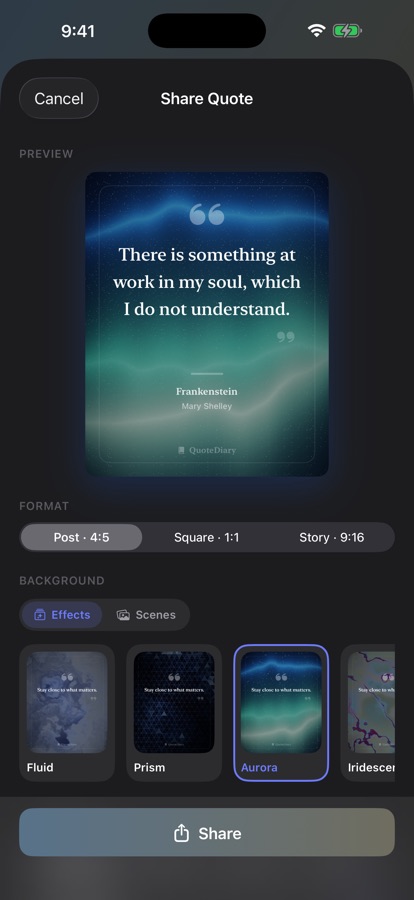
Share cards use a procedurally generated Metal backdrop. This approach keeps the effect resolution-independent and avoids maintaining image assets.
The first implementation used a SwiftUI shader for the preview and ImageRenderer for export. The preview looked correct, but exported images lost the Metal effect because ImageRenderer does not capture the SwiftUI rendering path in the same way.
The solution was to move backdrop generation out of the view layer and into a Metal compute pipeline. The pipeline produces an image that both the preview and export use.
This gives a useful property: the image being previewed is the same rendering output being shared. It also avoids asynchronous generation during ImageRenderer snapshots, where work that has not completed simply won’t appear.
A small cache avoids regenerating the texture unnecessarily during view updates.
App Features#
Links#
- App Store: QuoteDiary